 DIG OUT
Browser, Windows, Mac, Steam.
How to Play Dig Out the Village
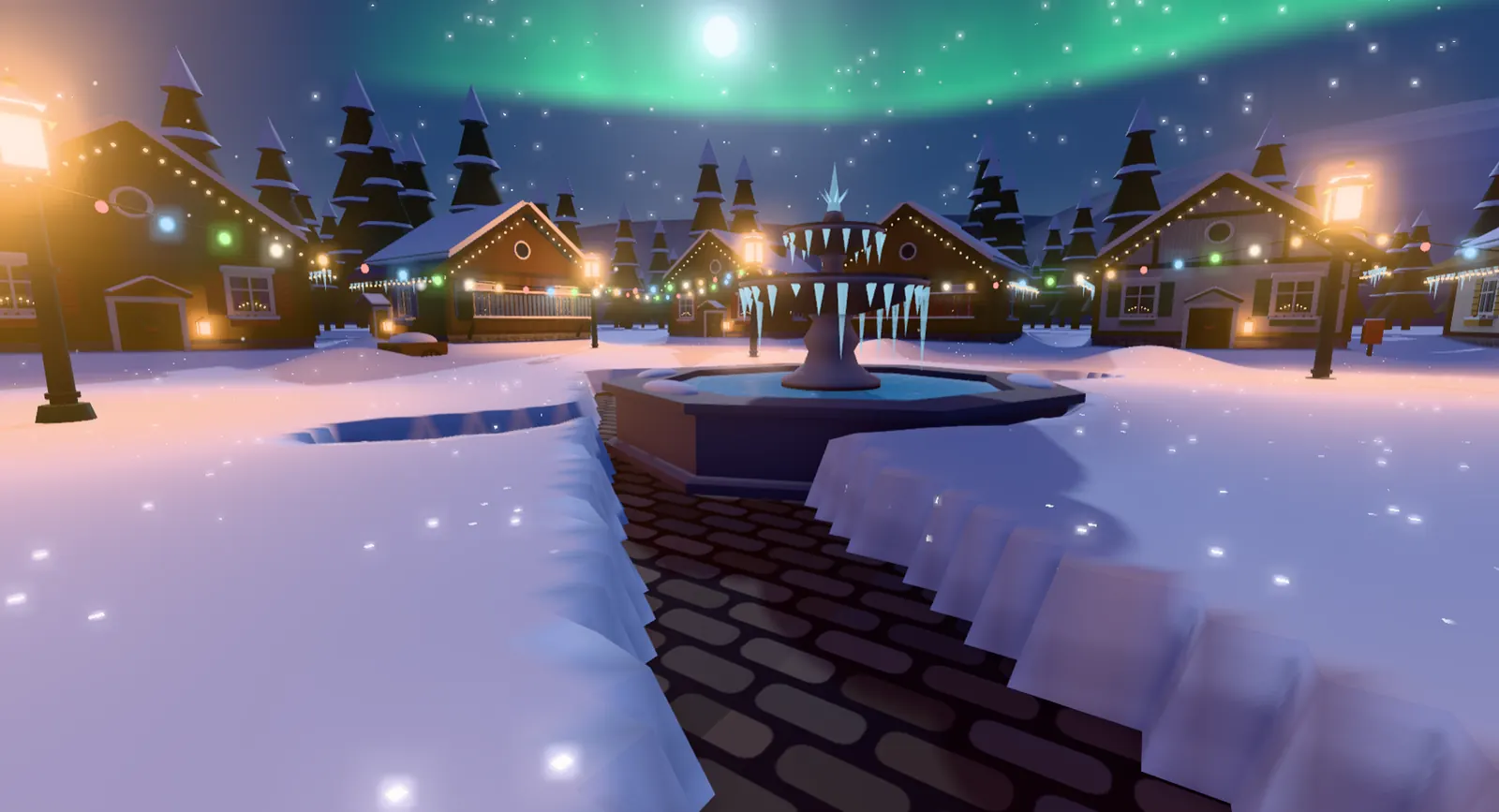
In Dig Out the Village you clear snow from the Lapland village of Valcandil, made by wildgg. Each cubic metre pays a little money. You spend it in grandpa’s workshop, uncover houses so neighbours come home, and push north. Ice shrugs off a weak shovel until you buy a better tool.
The loop
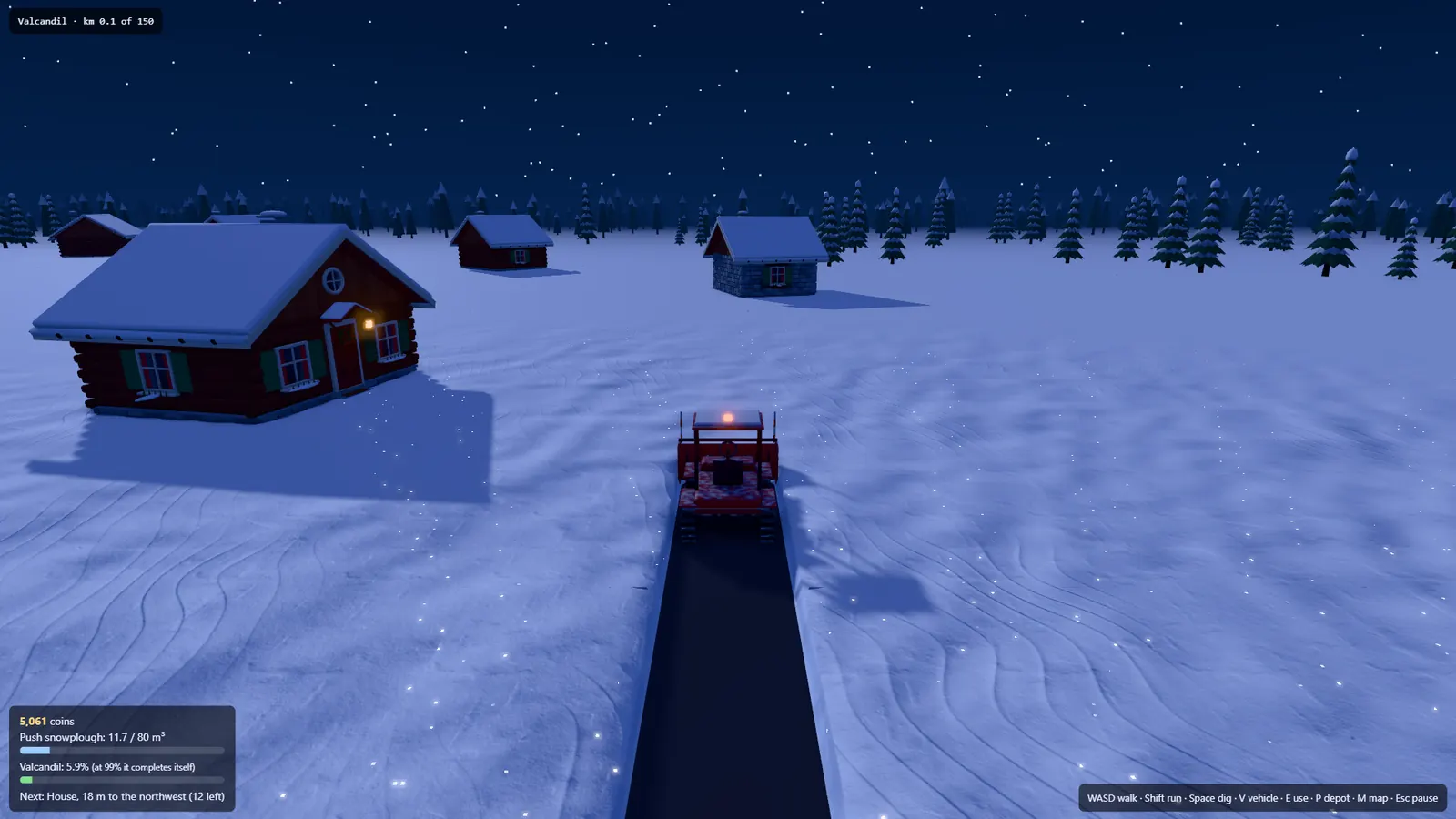
The demo devlog describes three layers: powder, packed snow, and ice. Ice knocks the shovel back until the tool is good enough. Money from the snow goes to the workshop. An Early Access screenshot shows the line “That’s the first one! Every house you clear, its neighbour comes home. And one more light comes on.” The same HUD reads Valcandil at km 0.1 of 150, 5,061 coins, a push snowplough at 11.7 / 80 m³, and “Valcandil: 5.9% (at 99% it completes itself)”.
Keys that are printed on screen
The Early Access HUD in that screenshot lists: WASD walk, Shift run, Space dig, V vehicle, E use, P depot, M map, Esc pause. Update 0.2.1 adds mouse look, with A and D still steering a vehicle, plus sensitivity and invert options. Update 0.2.3 lets C, or the options menu, switch between first and third person. The browser devlog says F toggles fullscreen. The 0.2.1 notes explicitly say left click digs, like Space. The demo title screen shows WASD, Click and Tab; the meaning of Tab is not explained in that image.
| Key | Action | Where it is written |
|---|---|---|
| WASD | Walk | Early Access HUD and the title screen · 1 source (wildgg) |
| Shift | Run | Early Access HUD · 1 source (wildgg) |
| Space or left click | Dig | Early Access HUD and 0.2.1 devlog · 1 publisher |
| Click | Dig; also shown on the demo title screen | 0.2.1 devlog and demo title screen · 1 publisher |
| V | Enter or leave a vehicle | Early Access HUD · 1 source (wildgg) |
| E | Use | Early Access HUD · 1 source (wildgg) |
| P | Place a depot | Early Access HUD · 1 source (wildgg) |
| M | Map | Early Access HUD · 1 source (wildgg) |
| Esc | Pause | Early Access HUD · 1 source (wildgg) |
| C | First or third person | 0.2.3 devlog · 1 source (wildgg) |
| F | Fullscreen in the browser build | Browser devlog · 1 source (wildgg) |
Snow, the depot and the train
When a vehicle is full, the HUD says to unload at the collection truck. A depot (400 coins on the workshop list) can be placed with P so you can unload where you put it. Cross-country skis cost 150 coins on that same list and speed you up when you are not digging. The train is how Early Access moves you north after a region is clear. The demo is on foot.
Saves and picture quality
The demo autosaves in the browser. Early Access devlogs for 0.2.2 and 0.2.3 say existing saves kept working. The browser build starts on Low and drops resolution if the frame rate falls. 0.2.2 added a Medium setting and said the game picks a quality on first launch. On a laptop with only the built-in graphics, Medium is described as more than twice as fast as High.
Questions
What are the Dig Out the Village controls?
The Early Access HUD prints WASD, Shift, Space, V, E, P, M and Esc. C switches camera in 0.2.3. F is fullscreen in the browser build. The demo title screen also shows Click and Tab.
Why does the shovel bounce off some snow?
That layer is ice. The demo devlog says ice needs a better tool.
Does Dig Out the Village autosave?
The demo page and the demo devlog both say the browser demo autosaves.
Sources
- itch.io demo page — Dig Out the Village — checked 2026-11-18
- itch.io Early Access page — checked 2026-11-18
- Devlog — The demo is out (2026-11-07) — checked 2026-11-18
- Devlog — Now playable in your browser (2026-11-15) — checked 2026-11-18
- Devlog — 0.2.1 mouse look (2026-11-17) — checked 2026-11-18
- Devlog — Update 0.2.2 (2026-11-17) — checked 2026-11-18
- Devlog — Update 0.2.3 (2026-11-18) — checked 2026-11-18